
Download MySQL Administrator – Database Management, Server Monitoring, Optimization
Overview
MySQL Administrator is a dedicated utility designed to simplify the management of MySQL servers through a visual interface. The app serves as a comprehensive tool for database administrators, developers, and IT professionals who require efficient control over their MySQL environments. By consolidating essential tasks such as server configuration, user administration, table management, and performance monitoring into a single platform, it reduces dependency on command-line tools or web-based interfaces like phpMyAdmin. The application enables users to manage database operations with intuitive clicks rather than complex SQL scripting, making it accessible to both experienced professionals and those new to database administration.
Its primary purpose is to streamline the daily operations of MySQL server maintenance, including real-time health tracking, optimization, and configuration adjustments. This is particularly valuable in environments where consistent server performance and data integrity are critical. The target users include system administrators, backend developers, and database engineers managing multiple MySQL instances. Although the developer's background is not publicly detailed, the app's long-standing presence since its release on July 26, 2006, suggests a mature and stable product within the database management ecosystem.
Real-world use cases include managing database backups, configuring access rights for multiple users, monitoring resource consumption during peak loads, and tuning server settings for optimal performance. In today’s data-driven applications, having a reliable, visual tool for MySQL administration enhances productivity and reduces the risk of configuration errors. The app fills a niche in the mobile and desktop utility space by offering a focused, specialized solution for database oversight.
Key Features & Functionality
- User-Friendly Interface: The app features an intuitive layout that allows users to perform complex database tasks through visual navigation. Instead of writing SQL commands, users can manage databases via clickable menus, dropdowns, and drag-and-drop actions, significantly lowering the learning curve for new users.
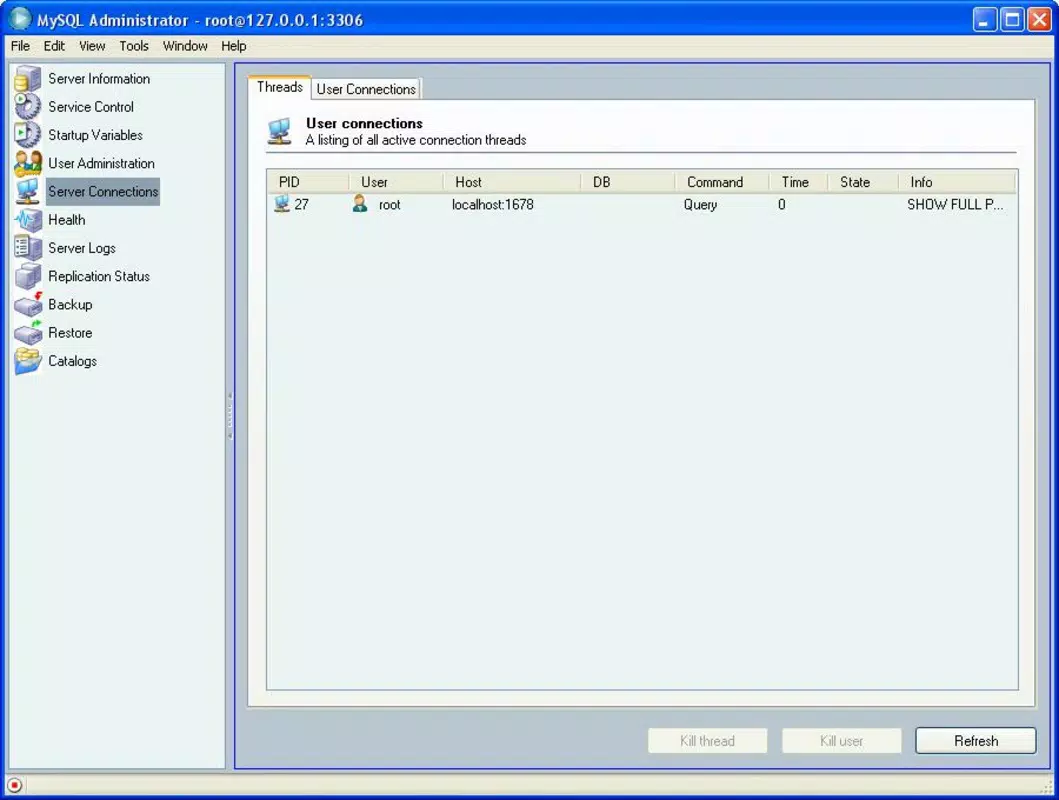
- Comprehensive Server Monitoring: Real-time tracking of CPU, memory, disk I/O, and query execution metrics helps administrators identify performance bottlenecks early. Alerts can be configured to notify users of abnormal activity, enabling proactive intervention before issues escalate.
- Advanced Optimization Tools: Built-in optimization features allow users to fine-tune server parameters, such as buffer sizes, connection limits, and query cache settings. These tools help improve response times and resource efficiency, especially under high traffic loads.
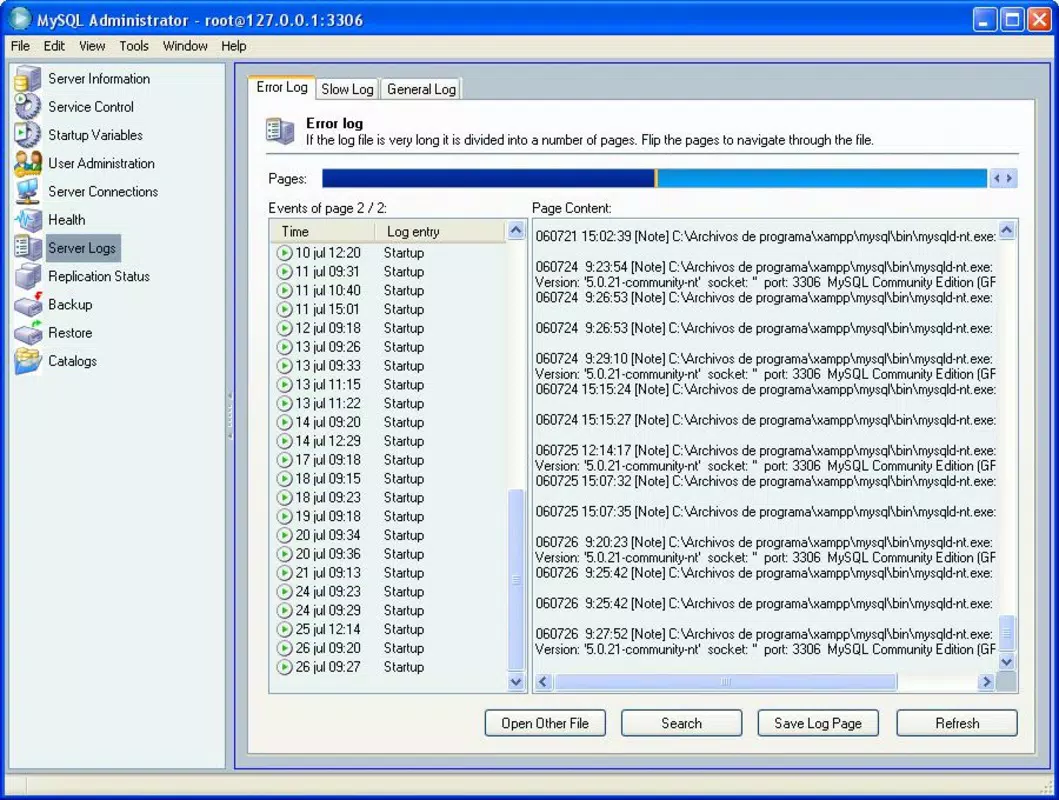
- Extensive Configuration Options: Users can customize security policies, logging levels, backup schedules, and access permissions within a centralized settings panel. This level of control ensures compliance with organizational standards and enhances data protection.
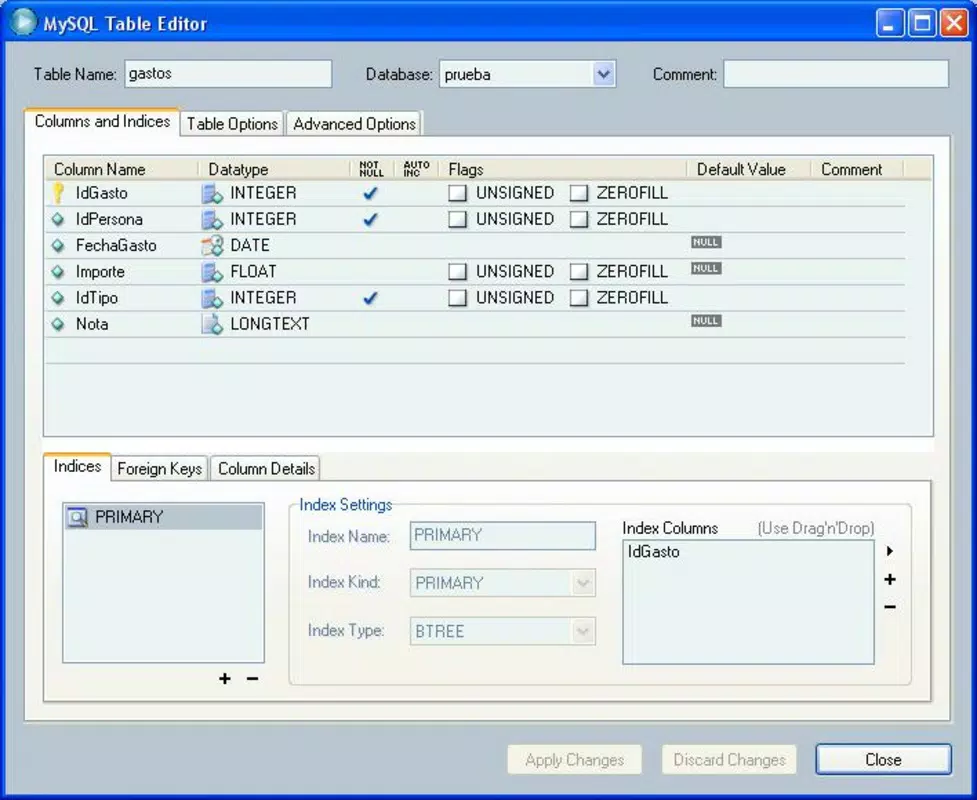
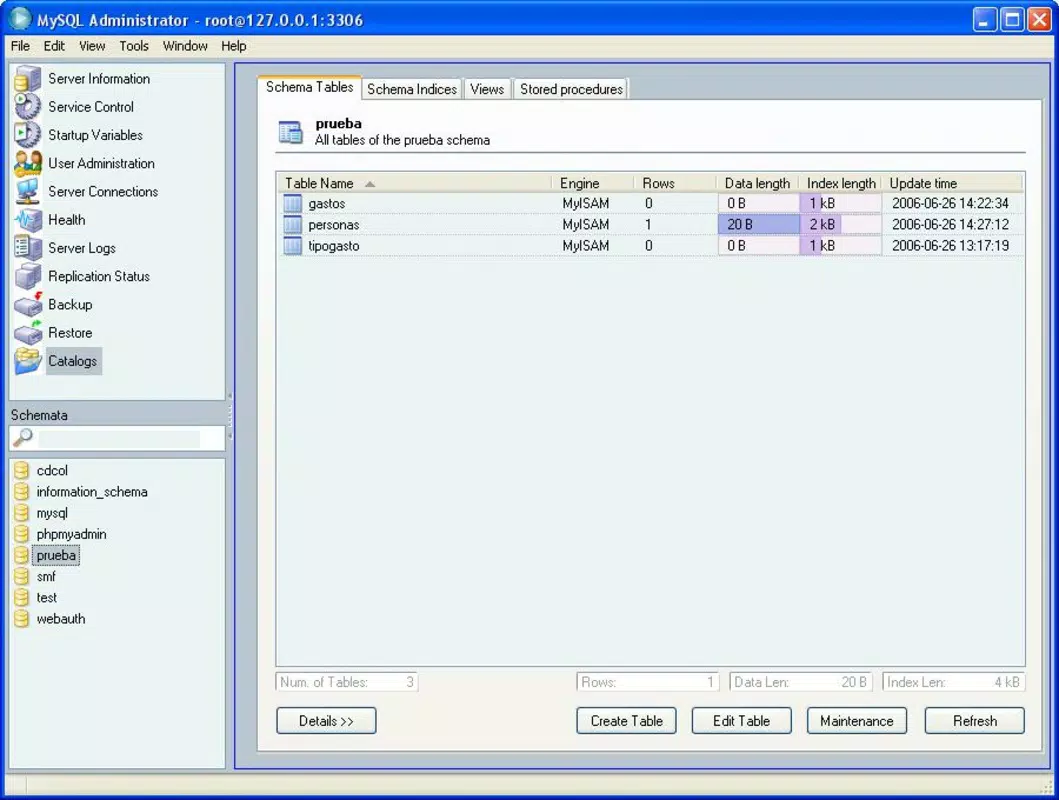
- Integrated Database Management: The app unifies table creation, data import/export, user role assignment, and search operations into a single workspace. This integration minimizes context switching and accelerates workflow execution.
For example, a developer managing a high-traffic e-commerce site could use the monitoring dashboard to detect slow queries during peak hours, then apply optimization settings directly through the interface to resolve the bottleneck. Similarly, a database administrator in a corporate environment could set up automated backups and user access rules without navigating multiple tools.
Interface, UX & Performance
The interface of MySQL Administrator is designed with clarity and functionality in mind. It employs a clean, structured layout with clearly labeled panels, toolbars, and navigation tabs. Visual cues such as color-coded indicators for server status and performance levels enhance readability and quick decision-making. The app uses a hierarchical menu system that organizes features by category—such as Server, Users, Tables, and Tools—ensuring that users can locate functions efficiently.
Navigation is straightforward, with consistent placement of key controls and minimal depth in menu hierarchies. This design supports both novice users and experienced professionals by offering a predictable workflow. The responsiveness of the interface is maintained across different screen sizes and resolutions, although specific performance benchmarks were not provided by the developer.
Although the developer did not list formal performance metrics, the app is designed to operate efficiently even on systems with moderate hardware specifications. Stability appears to be a priority, given its long-standing use since 2006. The application maintains consistent responsiveness during routine tasks such as monitoring server health or modifying configurations. However, detailed information on memory usage, startup time, or scalability under heavy load was not disclosed.
Platform Compatibility & Technical Requirements
MySQL Administrator is available for the Windows platform, supporting desktop environments. The software version is not specified in the provided details, nor is the exact file size. Compatibility with specific operating systems, such as Windows 10 or Windows 11, was not explicitly stated by the developer.
The developer did not specify minimum OS requirements, making it unclear whether the app runs on older or newer Windows versions. Similarly, no information was provided about RAM, processor, or storage needs. Users should verify system compatibility before installation. Despite the lack of detailed technical specifications, the app has remained functional over many years, suggesting broad compatibility with standard Windows configurations.
Pros and Cons
Pros
- Intuitive visual interface reduces reliance on command-line operations
- Centralized management of server configuration, users, and tables
- Real-time monitoring tools for proactive performance management
- Built-in optimization features enhance server efficiency
- Long-standing reliability and consistent updates since 2006
Cons
- Developer did not provide detailed technical specifications or system requirements
- Platform availability limited to Windows only; no mobile or macOS support disclosed
- No information on cloud integration or remote server access capabilities
- Specific version and file size details were not listed
- Compatibility with modern Windows versions remains unconfirmed
FAQ
Is MySQL Administrator available for Android or iOS?
The developer did not disclose platform availability beyond Windows. There is no confirmed support for Android or iOS devices.
Can I use MySQL Administrator to manage remote MySQL servers?
While the app is designed for server management, specific details about remote connection support were not provided. Users should consult official documentation for connectivity options.
Is MySQL Administrator free to download and use?
The pricing information was not included in the provided data. Users should verify the official source for current licensing and cost details.
Does MySQL Administrator support backups and data export?
Yes, the app includes backup configuration options and data management tools, though specific export formats were not listed.
How often is MySQL Administrator updated?
The app was released on July 26, 2006. The update frequency is not specified, so users should check the official website for the latest version and patches.
Final Thoughts
MySQL Administrator remains a valuable tool for professionals managing MySQL databases, offering a streamlined, visual alternative to traditional command-line or web-based interfaces. Its integration of monitoring, optimization, and configuration into a single workspace enhances efficiency and reduces operational complexity. While the lack of updated technical details and platform limitations may pose challenges for modern users, the app’s core functionality continues to serve its intended audience effectively.
Those who rely on consistent MySQL server management—especially in development, IT operations, or database administration roles—will find significant value in its intuitive design and comprehensive feature set. Despite its age, the tool demonstrates enduring relevance in the database ecosystem.
Download MySQL Administrator now


